OVERVIEW
Meetings, turned into records you can share.
M-Con TranscribeWhat’s said in meetings and conferencesM-Con OrganizeInto a summary, decisions, action items, and agenda itemsM-Con Draft minutesA record ready to share within your facility- PersonReview and shareHealthcare professionals check the content, then share it
What the AI produces is a draft of the minutes. Healthcare professionals review and edit it, and final responsibility rests with them.
STATUS
M-Con is coming soon
As of September 2026, we’re preparing
*This page describes a service still in development. Details may differ at launch.
PLANNED FEATURES
Features we plan to offer
There are two ways to create minutes. You can record on the spot with a microphone, or import an existing file: a recording from Zoom, Teams, Meet, or a similar tool, or an audio file on your computer. While you record, progress is saved about every 15 seconds. If the browser closes unexpectedly, the person who made the recording can choose to restore or discard it the next time they open
Handles meetings with patient information
- Designed for staff meetings, case conferences, regional care coordination meetings, and
one-on-ones with staff. - Meetings that involve patient information are in scope, too.
M-Con transcribes them in an environment designed with security in mind and turns them into draft minutes.
Minutes formatted for your purpose, editable later
- Minutes are organized into four sections: summary, decisions, action items, and agenda items. Each action item lists an owner and a due date. The transcript separates remarks by speaker.
- Three formats are planned: Standard, Action-focused, and Decisions only. You can also switch to a different format and regenerate the draft.
- Minutes are saved as drafts that you can edit later. Healthcare professionals do the final review.
Choose who sees it, export what you need
- You can make a record visible to everyone at your facility or only to yourself (administrators can view all records). The meeting list is searchable, and you can add tags such as “Case review.”
- You can export just the summary or the full text. We plan to let you mask patient information when exporting.
- You can replay recordings later and delete only the ones you no longer need. Each playback is logged.
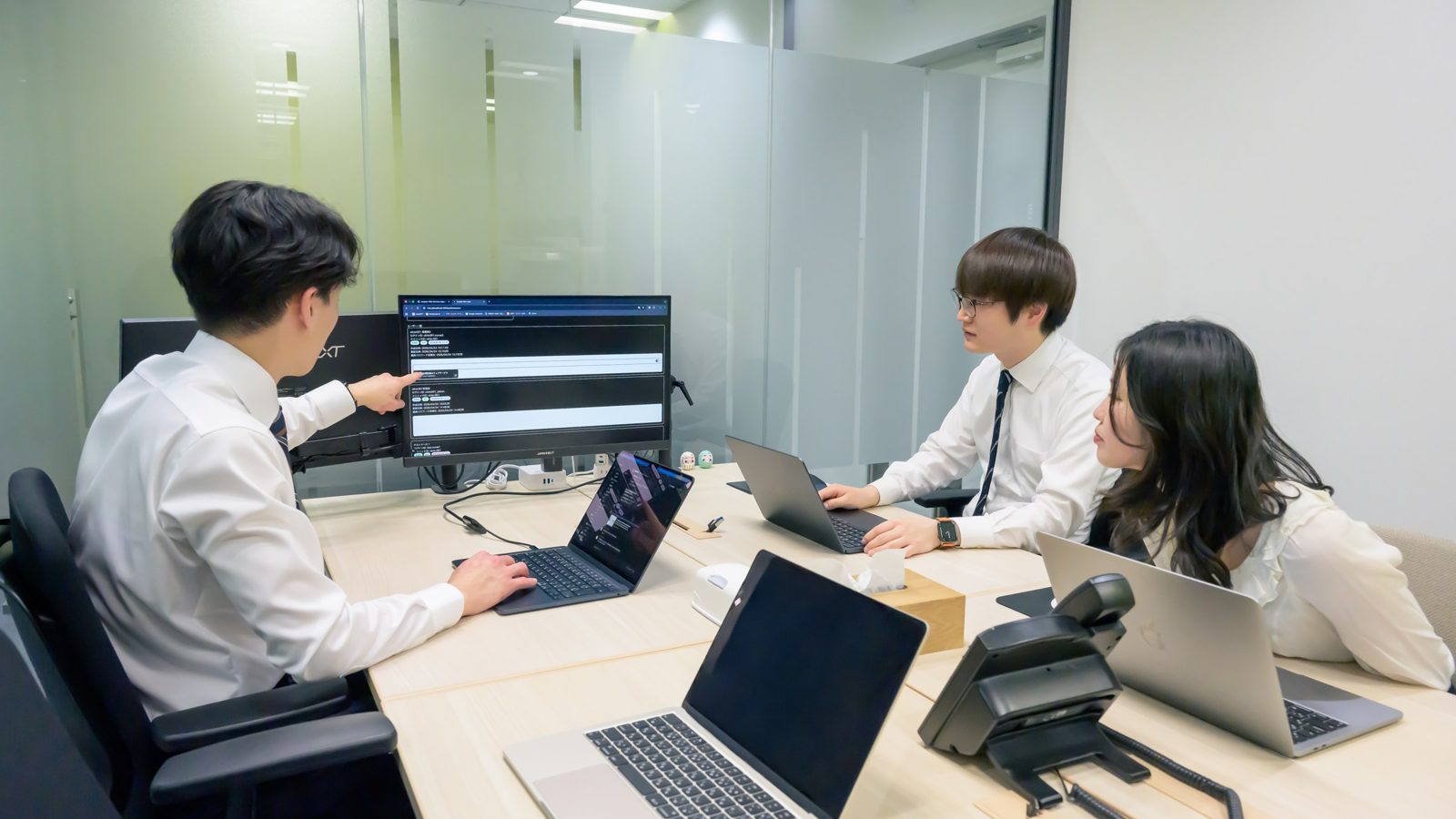
The photo shows a MedSync team meeting.
M-Rec for clinical records, M-Con for meeting records
If you already use another
Sign-in and user management are common to all four services. Meeting records are shared within each medical institution.
Four services in
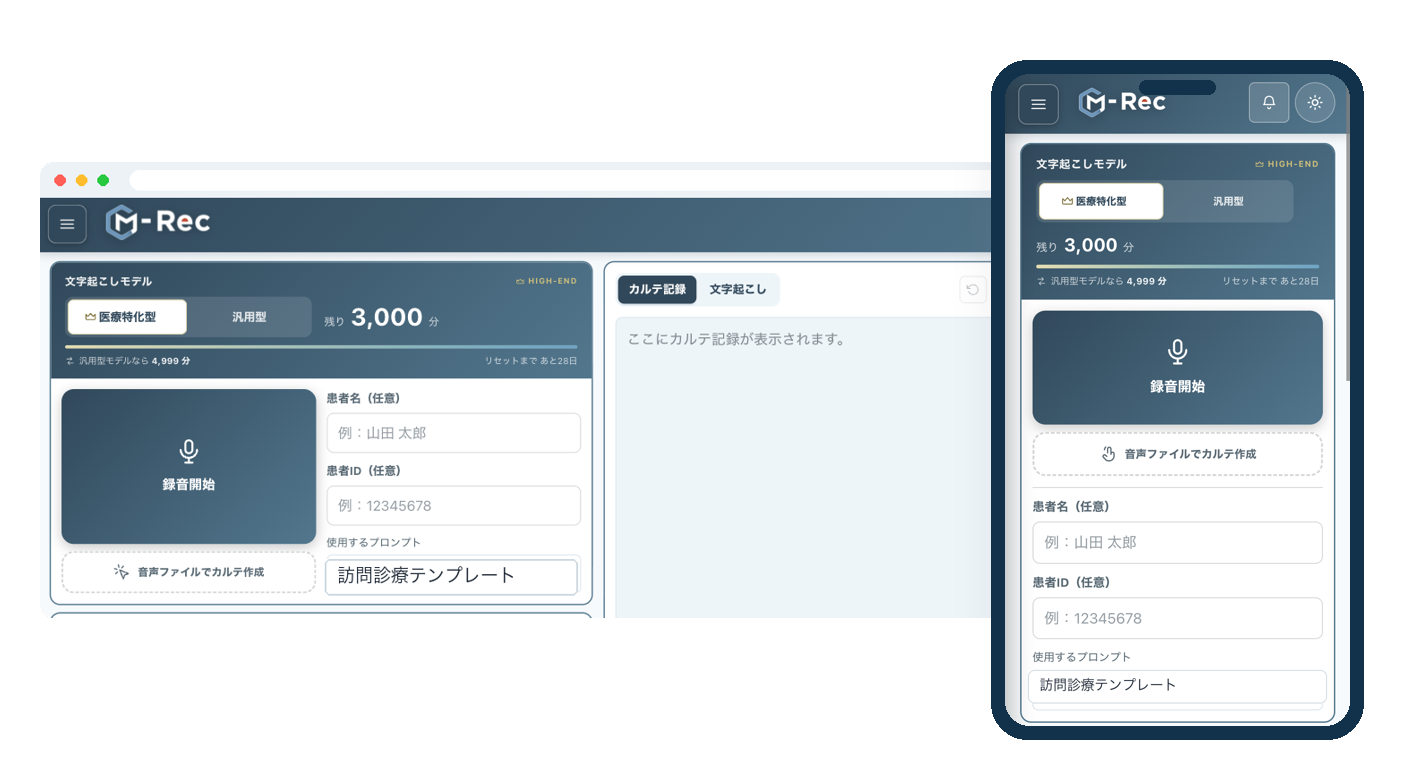
M-Rec
Uses
M-Automate
Uses
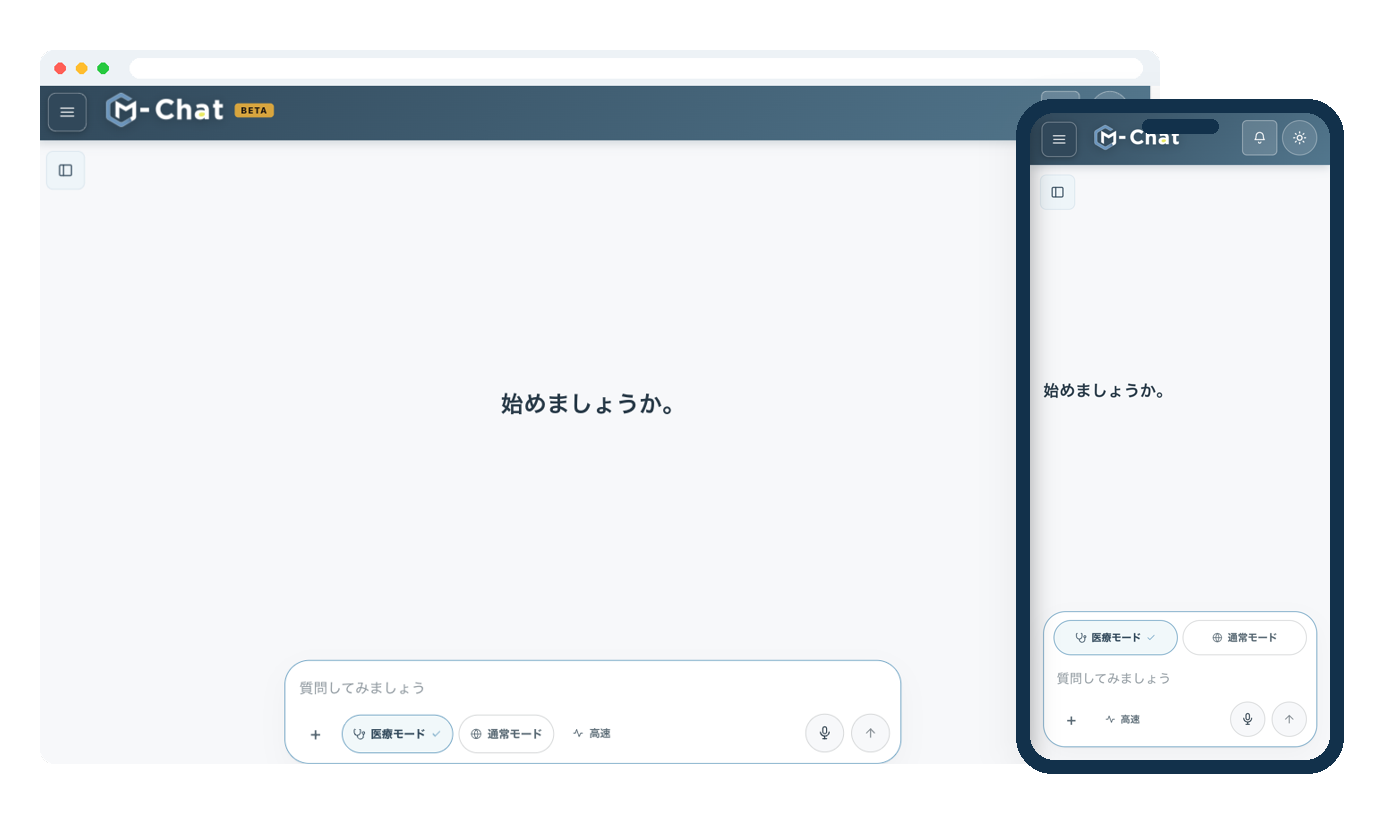
M-Chat
Uses
M-Con
Transcribes and organizes what’s said in meetings and conferences.
Coming soon
RELEASE
Launch updates
Once the launch timing and details are set, we’ll announce them on our News page (in Japanese). For an overview of
CONTACT
Talk to us about meeting records,
even before M-Con launches.
We’ll ask how your meetings run, then walk you through the features we plan to offer and what to expect as you get ready to use
- How you create meeting records today and share them within your facility
- Meetings that take a long time to write up, and terms your facility uses often