
OVERVIEW
Ask AI to search and summarize
your in-house documents and clinical records.
It helps you find and compare documents, then write up what you learn. Work involving patient information is handled in Clinical mode, which runs in your facility’s dedicated environment.
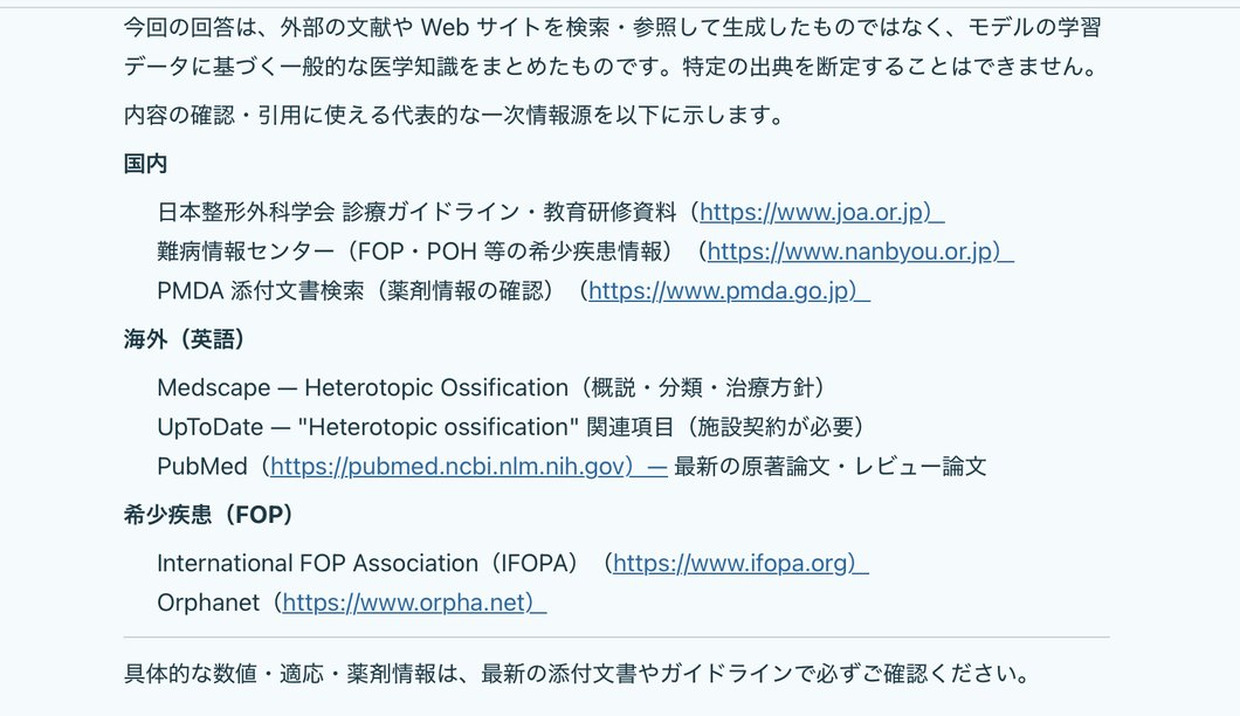
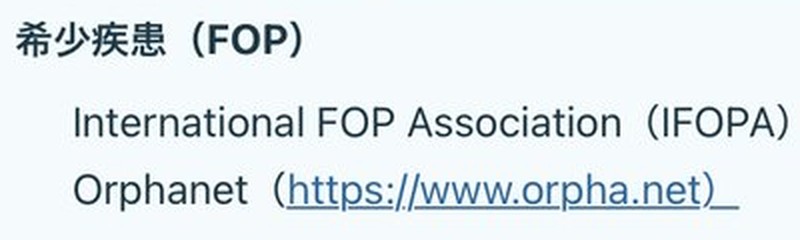
Answers are organized under headings, with linked sources you can check.
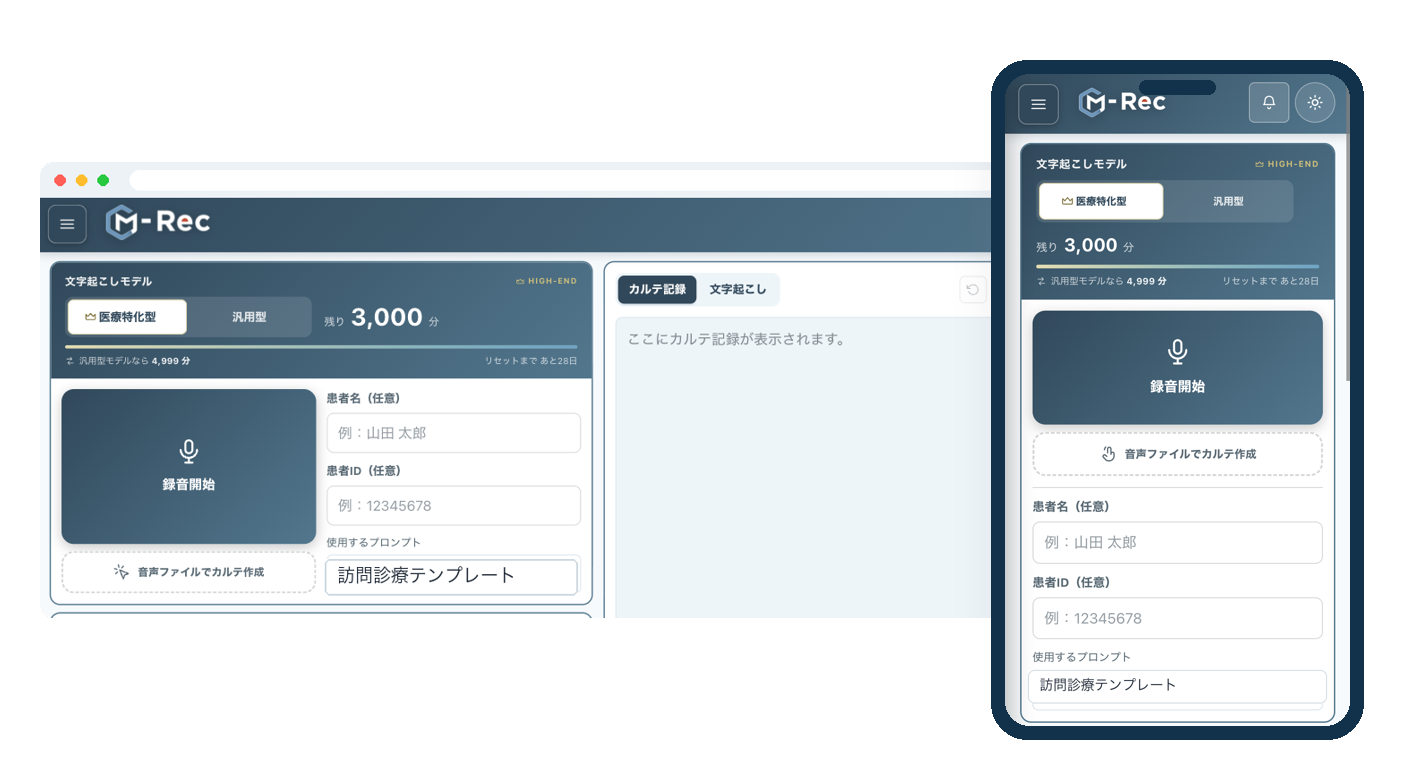
*Screens shown are in development.
CONDITIONS
Patient information and in-house documents,
properly managed and put to use.
Consumer generative AI is convenient.
But before you use it at your facility, there are some decisions to make.
- How to handle patient information
- How to manage who can use it
- Which in-house documents the AI can reference
- What can be sent outside the facility
- Who reviews the output
In Clinical mode, you can enter patient information without masking names, to the extent your contract and your facility’s operating rules allow. Available services and users are managed separately for each medical institution.
ASK
Ask what you need to know, in everyday language.
Type a question, then follow up or ask for changes as you read the answer. Conversations are saved, so they’re still there when you come back.
“Where is this procedure written down?”
“Summarize the clinical course and precautions.”
“Draft the report for me.”
“Organize what we need to tell the care team.”
STRUCTURE
Use AI, under your facility’s control.
Which mode to use, which documents to reference, what is sent outside, how widely things are shared, and how records are kept:
Information flow and controls in
Users ask in everyday language
Questions and requests in plain words, such as “Where is this procedure written down?” or “Draft a referral letter from this.”
Healthcare professionals review the answer
AI produces answers and drafts. Healthcare professionals review and edit the content and bear final responsibility.
1. Choose the mode for the task
Work involving patient information uses Clinical mode and is processed on your facility’s dedicated AI server. All other work uses General mode.
2. Use registered information
Draws on the in-house documents and patient information you register to help you search, summarize, and draft documents.
3. Web search with sources
Searches the web and cites sources so you can verify them. Conditions for sending data outside and patient-information checks are described below.
4. Share purpose-built MyChats
Saves your facility’s wording and formats as instructions. Sharing a MyChat (a dedicated AI assistant) for each purpose within your facility makes it easier to draft in a common format.
5. Manage the activity log
The audit log records metadata such as usage, whether files were attached, and source names. It carries a tamper-evident signature and does not include conversation text.
Storing conversations, documents, and attachments
Conversations, in-house documents, and attachments are kept in your facility’s dedicated environment, in a cloud in Japan. They are not used to train AI models.
Patient information is handled in Clinical mode, in line with your contract and your facility’s operating rules. Saved conversations and the audit log are managed separately.
The numbers in the diagram match the numbered headings below.
1. Switch between the two modes
Use Clinical mode for any work involving patient information. One button switches between modes. Each staff member can choose an AI model from those available, regardless of the facility’s default setting.
Runs on your facility’s dedicated AI server. You can enter patient names and IDs without masking them, and search
For work that doesn’t involve patient information, such as research and writing.
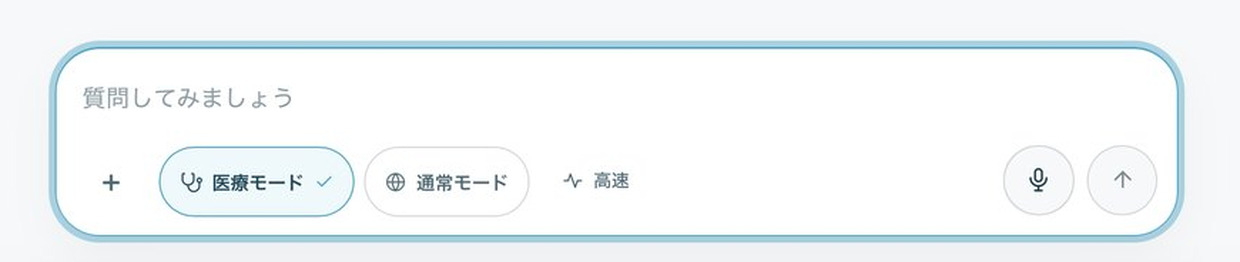

Attach PDFs or images, or use voice input. Images up to 5 MB and PDFs up to 25 MB are accepted. File types are verified by their content, not their file extension.
*Screens shown are in development.
2. Register and reference in-house documents
3. Search the web, with sources
Even when you search the web, both your input
and the AI’s answer are checked for patient information.
- Checks for patient information before sending, and cancels the search if any is found
- Prioritizes the domains of public agencies such as the Ministry of Health, Labour and Welfare (MHLW) and the Pharmaceuticals and Medical Devices Agency (PMDA)
- Adds source links to the answer so you can check the evidence later
Web search requires setting up a connection to an external search service. It is available only where the patient-information check is enabled, and only when the individual staff member has given consent. That consent covers sending search terms to a search service outside Japan.
4. Share task-specific MyChat assistants within your facility
Create dedicated AI assistants for roles such as clinical care, nursing, and administration. You choose who to share each one with.
Saving your facility’s wording and forms as instructions makes it easier to produce drafts in a common format. Answers can be exported as Word files.
5. Keep saved conversations and the activity log separate
Conversations are saved in your facility’s dedicated environment so you can revisit them. The activity log used to review usage leaves out conversation text, and logging of conversation text on the AI side is turned off. AI processing takes place within Japan, in Tokyo and Osaka. When you use web search, search terms are sent to a search service outside Japan, under the conditions described above.
- Usage
- Whether files were attached
- Source names
- Tamper-evident signature
- Conversations
- In-house documents
- Attachments
Kept in a cloud in Japan and not used to train AI models.
NOTES
What AI creates is a draft.
Healthcare professionals review and edit the content.
They also bear final responsibility.
Screens shown are in development and may differ from the actual product. What information may be entered depends on your contract and on the judgment of the person responsible for your facility.
CONTACT
Start by walking us through
your current process.
You don’t need to have a service in mind.
- We’re looking for an AI environment that can handle patient information
- We want to know whether AI can take on this task
We’ll ask about your current work and the documents you want to use, then propose which tasks AI can streamline and which steps need human review.
Information as of September 2026. We continue to add and improve features.