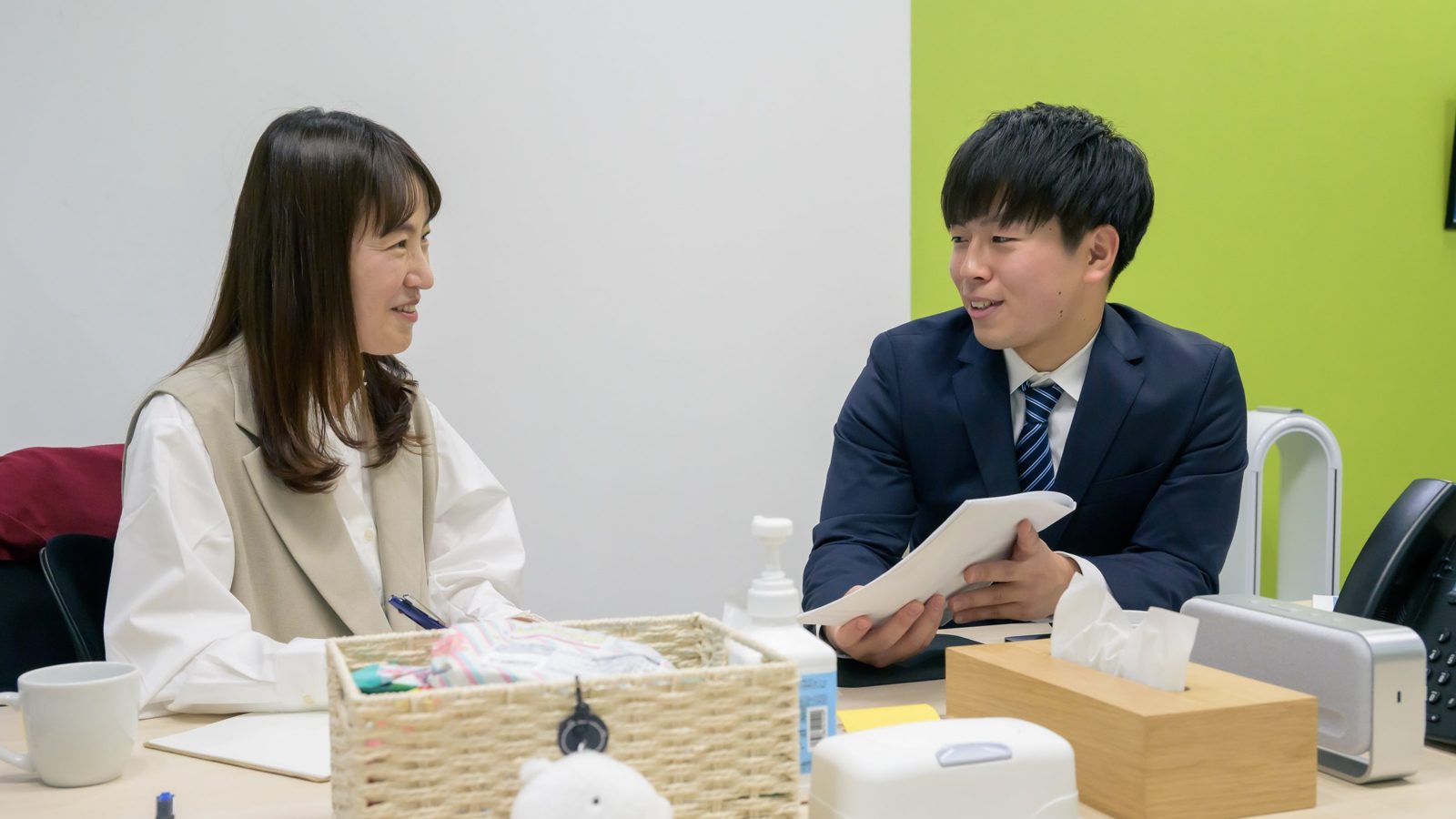
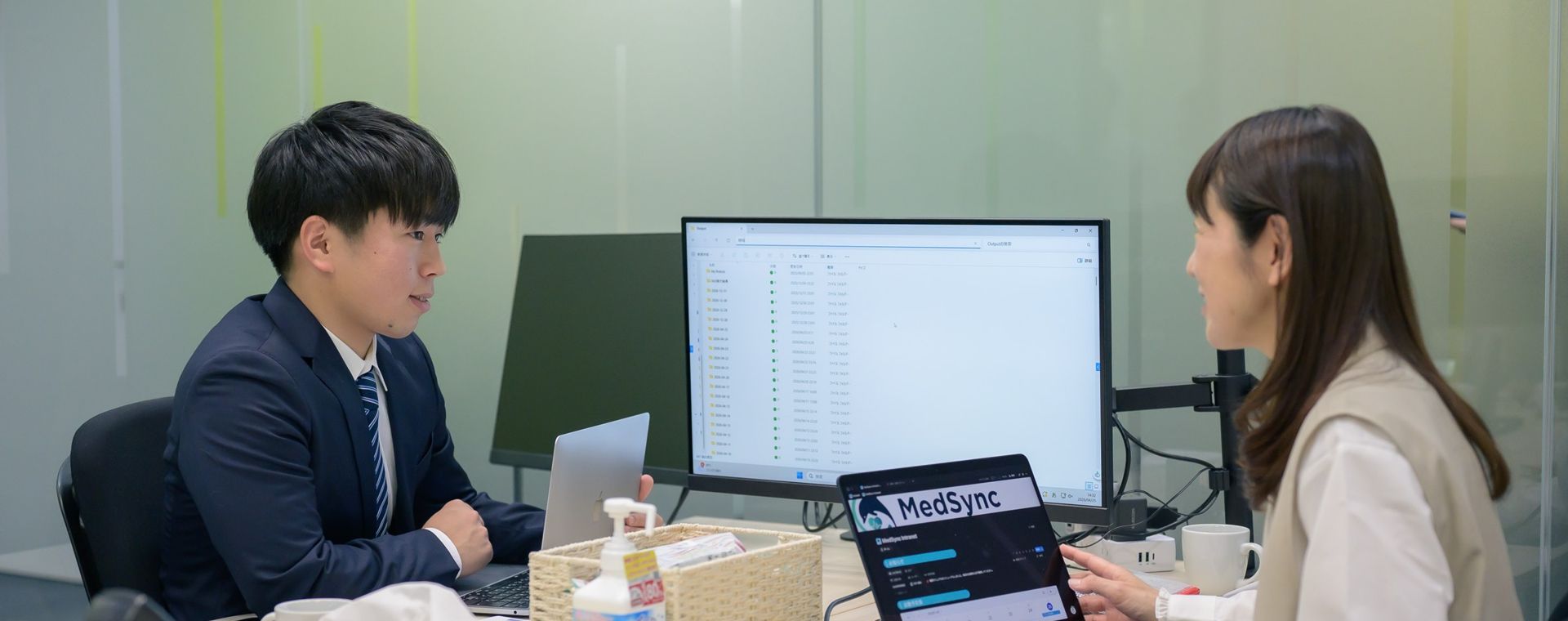

With new technology,care that looks patients in the eye
An AI platform built for medical institutions,designed with Japan’s medical information security guidelines in mind
Four AI services
When on, the diagram shows only its final state, with no animation.
About
AI you can use with confidence in clinical settings
In the years ahead, Japan will needto deliver high-quality, appropriatemedical and nursing careto more and more patients.
Our aim is care in whichtechnology supports clinicians,and people focus on people.
COMMITMENTS
Three commitments behind MS-AI
Healthcare-focused × Secure by design × Room to grow — three pillars that support healthcare.
-
①AI built for clinical settings
MS-AI uses AI tuned for medical records and documentation.M-Rec also uses a transcription model that handles medical terminology. The platform supports a wide range of uses, from day-to-day records to all kinds of documents. -
②Secure design for handling medical information
In applicable
MS-AI services, the information you enter is handled on servers in Japan. Nothing you enter is ever used to train AI models. Connections from your facility to the servers are protected by multi-factor authentication (MFA) and encryption. The security design follows the guidelines that medical institutions are expected to meet. -
③Expand as you go
MS-AI is made up of four services, each with a different role:M-Rec (voice AI),M-Automate (AI and robotic process automation, or RPA),M-Chat (conversational AI for medical institutions), andM-Con (meeting minutes, coming soon). Start with the services that address your current challenges, then broaden how you useMS-AI as your circumstances change. When the services work together, they support one continuous flow, from creating records to sharing information and entering data into your systems.
SERVICES
Four AI services on one platform




-
Every service runs on a shared platform that handles sign-in and user management.
-
Documenting visits
M-Rec Draft clinical notes from audio
-
Preparing documents
M-Automate Automate document drafting, data transfer, and more with AI and RPA
-
Looking things up
M-Chat Conversational AI for medical institutions
-
Recording meetings
M-Con Coming soonDraft minutes from meeting audio
-
Example of combined use
For example, clinical records created in
M-Rec can be searched fromM-Chat in everyday language.MS-AI can also be used from your facility’s closed network (not connected to the internet) through a single URL. Before rollout, we’ll explain how to use it in that setup and the connection requirements.
BeforeAbout 110 min
AfterAbout 20 min
BeforeAbout 25 hours
AfterAbout 5 hours
*Results at a client site. Actual results vary by facility, task, and workflow.
Medical institutions with an
Some rule-based tasks, such as data entry, data transfer, and tallying, can be automated with RPA robots alone. See RPA implementation and support
WORK
AI helps with four kinds of work
Choose the task that fits your work. In four steps, we show which service a conversation or record passes through, what it becomes, and who reviews and edits it.
How to read the diagrams
All screens and records in the diagrams are samples. The facilities and patients are fictional. The
Status chips
Deployed
Coming soonServices being prepared for launch
In developmentFeatures in development
PlannedFeatures we plan to develop
Other chips
PhysicianWho reviews and edits the content
Example of combined useHow services connect when used together
SampleScreens and documents shown with fictional content
InteractiveDiagrams that change when you click them
Lines
Solid lineFlows available now
Dashed lineExample of combined use
Dotted lineComing soon, in development, or planned
Documenting visits:
Preparing documents: From a month of nursing records,
Looking things up:
Recording meetings: We are preparing a service that sorts what is said in meetings into four sections and drafts the minutes.
Watch a video of the actual screen on the
2Click a number to show each stage.
Documenting visits (
1Works in the clinic or on home visits (scheduled physician visits to the patient’s home). One tap records the conversation, and transcription runs as you record.
2Picks out the information needed for care from the conversation. The letter beside each highlight shows which section of the draft it goes into.
3Organizes it into a draft in the documentation style of each specialty and physician. It is designed not to add anything that wasn’t said.
4The physician reviews and edits the draft against the transcript, then pastes it into the EHR.
“Hello. Any changes over the past two weeks?”
“How has she been at night, and how is she doing with her medications?”
“She gets up at night and searches through her dresser two or three times a weekS. We keep track of her medications on a calendar, and she hasn’t missed any dosesS.”
“How’s your back pain?”
“About the sameS.”
“Blood pressure is 132 over 76, pulse 72, oxygen 97%O. Nice and stableA.”
“You’re getting around the house holding onto furnitureO. Your forgetfulness is progressing gradually, but there’s been no sudden changeA.”
“Let’s be careful to avoid fallsP. I’ll talk with your care manager about increasing day service to three times a weekP.”
(Before drafting)
SPer daughter, gets up at night to search for things 2–3 times/week. Medications managed with a calendar; no missed doses. Per patient, low back pain unchanged.
OBP 132/76, P 72, SpO2 97%. Walks holding onto furniture indoors.
AForgetfulness slowly progressing; no sudden change. BP stable.
PFall precautions. Discuss with care manager increasing day service adult day care to 3 times/week.
Edit requestAsk AI to editReplace “day service” with “adult day care”
Reviewed by physicianCopy all → paste into EHRTransfer buttonPlanned
Preparing documents (
1The robot pulls one month of nursing records from the EHR.
2AI reads the records and picks out changes in weight and symptoms, along with what was reported to the attending physician.
3AI drafts the “Clinical course” section. The robot files the report in the EHR as a draft and also creates a PDF.
4The nurse reviews and edits the draft, then sends it to the attending physician.
9/1Weight 48.2 kg. Lower-leg edema (±).
9/8Weight 49.0 kg (+0.8 kg from last week). Lower-leg edema (+). Short of breath on stairsChange. Reported to attending physician; instructed to temporarily increase diureticResponse.
9/15Weight 48.4 kg. Discussed salt restriction with patient and daughterResponse.
9/29Weight 48.1 kg. No edema. No shortness of breathCurrent. No missed dosesCurrent.
Fields the robot fills in
Client: Patient B (fictional) · Date: Sep 30, 2026 · Visits: Sep 1, 8, 15, 29
Clinical course
(Before drafting)
ChangeOn September 8, weight was up 0.8 kg from the previous week, with lower-leg edema and shortness of breath on stairs.
ResponseReported to the attending physician and was instructed to temporarily increase the diuretic. Discussed salt restriction with the patient and family.
CurrentAt the September 29 visit, no lower-leg edema or shortness of breath was observed. No missed medication doses. Next month, we will continue to monitor mainly for changes in weight and lower-leg edema.Added by nurse
Draft filed in EHRPDF: Report (Patient B, September)
Nurse reviews and editsSend to attending physician
Looking things up (
1Ask what you want to know in everyday language. Questions that don’t include patient information use General mode.
2Searches the registered
3The answer is organized under headings and cites the sources it is based on.No relevant passage is found, so the answer is “No match.”
4Open the source and check the basis before using the answer.You can confirm right away that the registered
If a patient falls, who do we report to, and in what order?
How do I set up the new infusion pump?
Reference documents (registered)
Incident response manual3-2 Falls
Internal policies
In-house protocols
No relevant passage found
(Before answering)
When a fall occurs
Make sure the patient is safe, and check for consciousness and injuries.
Reporting order
1 Attending physician (on-call physician at night)
2 Your unit’s nurse manager
3 Submit an incident report
Source: Incident response manual 3-2
No match: No description of this procedure was found in the registered
Incident response manual 3-2 Falls
When a fall occurs, ensure the patient’s safety and check for consciousness and injuries. Report to the attending physician (the on-call physician at night), then to your unit’s nurse manager, and submit an incident report.
Highlighting added for illustration.
Open the source to checkDesigned not to guess
Recording meetings (
1Records the meeting live, or imports a recording of an online meeting or an audio file (planned).
2Transcribes it and picks out decisions, plus action items with owners and due dates (planned).
3Organizes the content into a draft with four sections: summary, decisions, action items, and agenda items (planned).
4We plan to let you review, edit, and save the minutes, and choose who at your facility can see them.
“Patient C is scheduled to be discharged next Tuesday.”
“There are no handrails in the bathroom at home, so we’re planning to have bathing done at day servicesDecision.”
“Home-visit nursing will start with weekly visitsDecision, and we’d like the nurses to check on medications.”
“The community liaison office will contact the home-visit nursing station by FridayAction item.”
“Let’s share another update about two weeks after dischargeAgenda item.”
(Before drafting)
Summary
Discussed support for bathing and medications at home as Patient C (fictional) prepares for discharge.
Decisions
DecisionHome-visit nursing to start with weekly visits. Plan to provide bathing through day services.
Action items
Action itemContact the home-visit nursing station (Owner: community liaison office / Due: Friday)
Agenda items
Agenda itemSupport for daily life after discharge; next update (about two weeks after discharge)
Review, edit, and saveSharing: everyone at the facility / creator only (planned)
Every task shares one platform, with the same
How this diagram works
The diagram switches between content already written into the page, based on the task and step you choose. Even where scripts don’t run, the same content appears when you make a selection.
radio and :has()clip-pathcontainer queries@starting-style
In older browsers, all four tasks are shown in their finished state, stacked vertically and labeled by task.
*A sample to illustrate how it works. The medical institutions, patients, conversations, and records are all fictional. The
ONE DAY
Each record feeds into the next task
Here is an example day at a hospital, a clinic, and a home-visit nursing station (an agency whose nurses care for patients at home). Choose each scene in turn to trace how records made earlier are used in later tasks.
Aoba Hospital (fictional)Tue, Sep 8
Documenting visits:
Referral letter draft:
Pre-discharge conference: We plan to create draft minutes from the meeting recording, organized into a summary, decisions, action items, and agenda items.
Submission list:
Made by a serviceChecked by a personHow records connectExample of combined use
9:10
Internal medicine outpatient clinic
Physician
The physician sees Patient D (fictional), who is being treated for hypertension and reports shortness of breath. One tap starts recording the conversation.
“When did the shortness of breath start?”
“About a week agoS. Climbing stairs leaves me windedS.”
“Do you ever wake up at night coughing?”
“No, I don’tS.”
“Let’s get a chest X-ray and an ECGP right after this. For an echocardiogramP, I’ll refer you to cardiology. I’ll go over your blood test resultsP next week.”
SShortness of breath on climbing stairs for about a week. No cough at night.
OBreath sounds clear, no heart murmur. No lower-leg edema.Added by physician
PChest
Reviewer
Physician9:20
Reviews and edits the draft against the transcript, and adds exam findings that weren’t part of the conversation.
Goes toPasted into the EHRTransfer button Planned
11:30
Internal medicine outpatient clinic
Physician
Between appointments, the physician prepares a cardiology referral for Patient D (fictional), seen this morning.
Draft a referral letter to cardiology from today’s visit notes.
Reason for referral
I am referring this patient to you for an echocardiogram.
Symptom history
The patient has noticed shortness of breath when climbing stairs for about a week. No cough at night.
Tests today
A chest
Link
Reviewer
Physician11:40
Reviews and edits the draft, adds the chest
Goes toReferral letter to cardiology
14:00
Conference room
Physicians, nurses, community liaison staff, care managers, and others
The team holds a pre-discharge conference for Patient C (fictional), who is due to go home soon.
Summary
Discussed support for bathing and medications at home as Patient C (fictional) prepares for discharge.
Decisions
Home-visit nursing to start with weekly visits. Plan to provide bathing through day services.
Reviewer
Meeting organizer15:00
Reviews and edits the draft minutes, then saves them and shares them within the hospital (planned).
Goes toShared within the hospital
17:00
Billing department
Robot and AI → Billing staff
The list for the outpatient data submission add-on (a fee-schedule add-on for facilities that submit outpatient care data to Japan’s health ministry) is updated the same day.
17:00Robot retrieves17:02AI extracts17:05Robot adds to list18:00Staff review
Run frequency and times are set to fit each facility’s workflow.
Submission list: September
Sep 8Patient D (fictional)Internal medicineItems extracted
Sep 8Patient H (fictional)Internal medicineItems extracted
Sep 1–7112 entriesInternal medicine, etc.Reviewed
Counts are examples.
Link
At hospitals, other tasks we can handle include drafting discharge summaries and discharge support plans, and calculating length of stay by bed type.
Reviewer
Billing staff18:00
Reviews and edits the rows added that day, and checks the full list at month-end.
Goes toSubmitted for the outpatient data submission add-on
Sakura Internal Medicine Clinic (fictional)Tue, Sep 8
Outpatient visit: From the conversation at a routine visit,
Progress summary: From notes on earlier visits created with
Home visit notes: From the conversation recorded at the patient’s home,
Home care guidance report: The physician’s report to the patient’s care manager under long-term care insurance.
Made by a serviceChecked by a personHow records connectExample of combined use
9:10
Outpatient clinic
Physician
A routine visit for Patient E (fictional), who is being treated for hypertension and type 2 diabetes.
“How has your blood pressure been at home?”
“In the mornings, the top number is around 130S. I’ve also lost 2 kilos over the past monthS.”
“How about snacking between meals?”
“I’ve given up my late-afternoon sweetsS.”
“Your blood pressure and weight are both heading the right wayA. Let’s keep your medication as it isP. We’ll do blood work next timeP.”
SHome BP (morning): systolic around 130. Weight down 2 kg over the past month. Has stopped late-afternoon snacks.
ABP and weight both improving.
PContinue current prescriptions. Blood draw at next visit.
Reviewer
Physician9:20
Reviews and edits the draft against the transcript, then pastes it into the EHR.
Goes toEHR
12:30
Clinic
Physician
Before this afternoon’s home visit to Patient A (fictional), the physician reviews how things have gone at earlier visits.
Summarize how nights have been going for Patient A (fictional).
Nighttime behavior over time
August 12 notes: Occasionally wakes during the night (per daughter).
August 25 notes: Gets up in the middle of the night to search for things about once a week (per daughter).
Link
Reviewer
Physician12:40
Checks the answer against the original notes and uses it to prepare for the afternoon visit.
Goes toPreparing for the afternoon home visit
14:00
Home of Patient A (fictional)
Physician
The physician records the conversation during the home visit on a smartphone.
“She gets up at night and searches through her dresser two or three times a weekS. Her medications are managed with a calendar, and she hasn’t missed any dosesS.”
“How’s your back pain?”
“About the sameS.”
“Blood pressure is 132 over 76, pulse 72, oxygen 97%O. Nice and stableA.”
“You’re getting around the house holding onto furnitureO. The forgetfulness is progressing little by little, but there’s no sudden changeA.”
SPer daughter, gets up at night to search for things 2–3 times/week. Medications managed with a calendar; no missed doses. Per patient, low back pain unchanged.
OBP 132/76, P 72, SpO2 97%. Walks holding onto furniture indoors.
AForgetfulness slowly progressing; no sudden change. BP stable.
Records even where there’s no signal and keeps the recording on the device (currently up to one recording).
Reviewer
Physician16:00
Back at the clinic, reviews and edits the draft against the transcript, then pastes it into the EHR.
Goes toEHR
17:30
Clinic
Robot and AI → Physician → Robot
From the day’s visit notes, the clinic prepares a home care guidance report for the care manager who plans the patient’s long-term care services.
17:30Robot retrieves17:32AI drafts18:10Physician reviews18:20Robot sends
Home care guidance report
Fields the robot fills in
Client: Patient A (fictional) / Visit date: Tue, Sep 8, 2026
Client’s condition and clinical course
Forgetfulness is progressing gradually, and she gets up at night to search for things 2–3 times a week. Her blood pressure is stable, and her low back pain has not worsened. To help prevent falls, please consider increasing adult day care to 3 times a week. If the nighttime behavior continues, we will consider reviewing her medication.Added by physician
Recipient: Kamome Care Management Office (fictional)
Link
Reviewer
Physician18:10
Reviews and edits the draft and adds the treatment plan. At 18:20, the robot turns it into a PDF and sends it.
Goes toKamome Care Management Office (fictional)
Minato Home-Visit Nursing Station (fictional)Wed, Sep 30, month-end
Home-visit nursing report: From a month of nursing records,
Formatting notes:
Updating the care team: When the nurse pastes in today’s notes,
Made by a serviceChecked by a personHow records connectExample of combined use
10:00
Home-visit nursing station
Robot and AI → Nurse
It’s month-end. From September’s nursing records, the station prepares the home-visit nursing report for the attending physician.
10:00Robot retrieves10:02AI drafts10:05Robot creates PDF11:30Nurse reviews
Home-visit nursing report
Fields the robot fills in
Client: Patient B (fictional) / Visit dates: Sep 1, 8, 15, 29
Clinical course
ChangeOn September 8, weight was up 0.8 kg from the previous week, with lower-leg edema and shortness of breath on stairs.
ResponseReported to the attending physician and was instructed to temporarily increase the diuretic. Discussed salt restriction with the patient and family.
CurrentAt the September 29 visit, no lower-leg edema or shortness of breath was observed. No missed medication doses. Next month, we will continue to monitor mainly for changes in weight and lower-leg edema.Added by nurse
To: Attending physician, Sakura Internal Medicine Clinic (fictional)
Reviewer
Nurse11:30
Reviews and edits the draft, adds the plan for next month, and sends the report to the attending physician.
Goes toAttending physician, Sakura Internal Medicine Clinic (fictional)
13:00
Home-visit nursing station
AI → Nurse → Robot
Notes dictated during the morning visits are tidied up so they’re easy to read.
“Um, blood pressure 132 over 78BP, sats 96SpO2, a little swelling in the legsEdema, and the patient says they feel better than yesterdayPatient.”
SPatient: “Better than yesterday.”
OBP 132/78, SpO2 96%. Mild edema in the lower legs.
Reviewer
Nurse13:10
Reviews and edits the measurements and wording, then finalizes the note. The robot enters the finalized note into the EHR.
Goes toEHR (nursing records)
16:00
Home-visit nursing station
Nurse
The nurse updates the attending physician and the care manager on how Patient F (fictional) is doing today.
(Today’s notes pasted in) Sort out what to tell the attending physician and the care manager.
To the attending physician
BP 132/78, SpO2 96%. Mild lower-leg edema. The patient reports feeling “better than yesterday.”
To the care manager
At today’s visit, the swelling in the legs was mild. The patient told us they feel “better than yesterday.”
LinkThe nurse pastes the notes tidied at 13:00 into
Reviewer
Nurse16:10
Reviews and edits the message for each recipient before sending it.
Goes toAttending physician and care manager
How this diagram works
Choose a facility and a scene to see what each service creates, who reviews it, and when.
radio and :has()CSS Grid line numbersCSS variables and animationclip-pathcontainer queries
In older browsers, the 11 scenes are listed vertically by facility, without the timeline.
*Times and review points are set after we learn how your facility works.
PLATFORM
Hand off more tasks. Same entry point, same sign-in.
You can start with just
Your facilitySakura Internal Medicine Clinic (fictional)
PhysicianNurseAdmin staffRobot (RPA)EHR
Entry and verification
Entry for peopleSingle URL, MFA supported
Gateway for robotsClient certificate, IP restrictions
Staff URL1Unchanged
Permission checkChecked server-side
Physician
Nurse
Admin staff
Robot
Set per user and per serviceActivity log: who, when, what actionAdmin screen: usage and feesIn development
User management1Unchanged
Services
If you choose both:
ServicesExpandable
Dedicated facility environmentCloud in Japan
Recordings and transcriptsRecords you createRegistered
Dedicated environment1Unchanged
Nothing selected: Choose at least one task. The service for each task you choose joins the shared platform.
With
With
How this diagram works
The services you choose slot into the platform, and the path from your facility to its dedicated environment lights up step by step. The numbers on each level show what increases and what stays the same.
checkbox and :has()CSS animationtransition on translatecontainer queries
With animation stopped, or where scripts don’t run, the selected services and the numbers on each level still appear the same way.
*This schematic illustrates the setup and is not an actual screen. Before adoption, we’ll tell you which services run in your facility’s dedicated environment on cloud servers in Japan. How robots connect depends on your environment.
ROLES
What AI creates is a draft
AI picks out the information that matters, summarizes the key points, and writes a draft.
Physicians, nurses, and other healthcare professionals review and edit the content and make the final call.
-
Documenting visits
M-Rec Create: Draft clinical note
AIFrom the visit conversation
Review: PhysicianWhat to check (examples): content not in the conversation, misrecognized numbers or drug names
Use: Paste into the EHR
Copy the full text
-
Preparing documents
M-Automate DeployedCreate: Draft document
RobotAIFor some tasks, also files the draft in the EHR and creates a PDF
Review: Physicians, nurses, admin staff, etc.Review and edit the content, then finalize the document.
Use: Send or submit
-
Looking things up
M-Chat Create: Answer with sources
AIFrom registered
in-house documentsReview: StaffOpen the sources to check what the answer is based on.
Use: Refer to it in your work
For lookups at night and on holidays
-
Recording meetings
M-Con Coming soonCreate: Draft minutes
AIFrom what’s said in the meeting
Review: Meeting organizer Reviews and edits the draft minutes (planned).
Use: Share within your facility (planned)
Choose who to share it with
All four tasks move through the same three steps: create, review, and use. Anything AI creates is reviewed and edited by a person before it is used.
How this diagram works
As you scroll down the page, the diagram draws itself one task at a time, starting from the top. Turn on “Stop animation” to see the finished diagram right away.
animation-timeline: view()view-timeline-nameclip-pathcontainer queries
Where scroll-driven animation isn’t supported, each row is drawn once, when it comes into view.
*For some tasks,
SAFETY
We define where information flows and where it stops
Where is information processed, who can access it, what is logged, and what is sent outside?
Your facility Aoba Hospital (fictional)
Physician Staff Billing staff Robot (RPA) EHR
Scene 1: Request Physician: Record the outpatient visit with Patient D (fictional)
Scene 2: Request Physician: Draft a referral letter to cardiology from today’s visit notes
Scene 3: Retrieve Robot: Collect the day’s outpatient records from the EHR
Scene 4: Search Staff: home-visit nursing order validity period
Scene 5: Search Staff: (patient’s name) shortness of breath diuretic
Scene 1: Result Draft clinical note. The physician reviews and edits it, then pastes it into the EHR
Scene 2: Result Draft referral letter (reason for referral, course of symptoms, today’s tests). The physician reviews and edits it
Scene 3: Result Submission list. Billing staff review and edit it, then submit it
Scene 4: Answer Draws first on public agency pages, with links to sources
Scene 5: Notice Search canceled because it contained patient information
Entry and verification Separate entrances for people and robots
Entry for people Single URL, MFA supported
Gateway for robots Client certificate, IP restrictions
✓ Verified
Permission check Checked server-side
Scene 1: Physician → can use
Scene 2: Physician → can use
Scene 3: Robot → can use
Scene 4: Staff → can use
Scene 5: Staff → can use
Set per user and per service
✓ Verified
Services
Scene 1: Conversation → transcript → draft clinical note
Scene 2: In Clinical mode, creates a draft from
Scene 3: Extracts eligible items for the outpatient data submission
Scene 4: Search terms are checked before they’re sent
Scene 5: Search terms are checked before they’re sent
Pre-send check Looks for patient information
Scene 4: home-visit nursing order validity period
Scene 5: (patient’s name) shortness of breath diuretic
✓ No patient information
Patient information detected
Scene 5: Stops here
✓ Processed
Dedicated facility environment Stored encrypted
Scene 1: Recorded audio is deleted after transcription (backups after 7 days). The transcript and draft are stored
Scene 2:
Scene 1: ✓ Stored
Scene 2: ✓ Referenced
Outside
AI model training Not used Neither your inputs nor the generated output is used
Scene 4: home-visit nursing order validity period
Search terms sent (with the staff member’s own consent)
External search service Outside Japan
AI responses are checked too ✓
Scene 1: Recorded audio is deleted after transcription. Backups are also deleted automatically after 7 days.
Scene 2: Requests involving patient information are made in Clinical mode. In this mode, you can draft referral letters and other documents from
Scene 3: Client certificates and IP restrictions limit where the robot can connect from. Billing staff review and edit the list before submitting it.
Scene 4: The input is checked before sending. Search terms go to the external search service only if no patient information is found. AI responses are checked for patient information in the same way.
Scene 5: If patient information is detected, the search is canceled entirely. The search terms are not sent outside.
Activity log (sample) Who, when, what action
- Sep 8, 9:18 Physician
M-Rec · Draft created Signed - Sep 8, 11:30 Physician
M-Chat · Request in Clinical mode Signed - Sep 8, 17:02 Robot
M-Automate · Eligible items extracted Signed - Sep 9, 14:20 Staff
M-Chat · Web search (passed check) Signed - Sep 9, 14:26 Staff
M-Chat · Web search (canceled by check) Signed
Activity log entries are digitally signed.
How this diagram works
Step through each scene to see where information goes and where it stops.
radio and :has()CSS animationcustom propertiessubgridcontainer queries
With animation stopped, or where scripts don’t run, the highlighted path and the “Stops here” label appear just the same.
*This schematic illustrates the setup and is not an actual screen. Before adoption, we’ll tell you which services run in your facility’s dedicated environment on cloud servers in Japan. How robots connect depends on your environment.
Four things to check before you start
Our design follows the medical information security guidelines issued by Japan’s Ministry of Health, Labour and Welfare (MHLW), Ministry of Internal Affairs and Communications (MIC), and Ministry of Economy, Trade and Industry (METI). For each deployment, we set out which responsibilities rest with your facility and which rest with MedSync.
- Where is it processed?
- For applicable services, all processing, including AI, stays in Japan. Before adoption, we’ll tell you which services this covers. Data is stored in your facility’s dedicated environment in the cloud, with encryption in transit and at rest.
MS-AI can also be deployed on a closed network that is not connected to the internet. - Who can access it?
- We use multi-factor authentication (MFA) and set permissions per user and per service. The server checks which services each user can access. Sessions lock automatically 180 minutes after sign-in.
- What is logged?
- We log who did what, and when. The activity log does not include patient names or the text of queries sent to the AI. Each entry is digitally signed, so you can check later whether it has been tampered with.
- What is sent outside?
- When an external search service is used, the input is checked before it is sent. If patient information is detected, the search is canceled entirely. This search works only after the connection to the external service has been set up and each staff member who uses it has personally consented to search terms being sent to a search service outside Japan. Neither your inputs nor the generated output is used to train AI models.
*Detailed specifications vary by service and contract.
Talk to us about data handling
FAQ
Frequently asked questions
Can we use it with our current EHR?
You don’t need to replace your EHR. For now, healthcare professionals copy
- Clinician Copy and paste Current method
M-Automate RPA Transfer via the EHR screen Example of combined use- Transfer button Planned
EHR
RPA (robotic process automation) uses software robots to carry out the routine operations people would otherwise perform on a computer. An API is a feature that lets systems exchange data. With
Can hospitals use it too?
Here are examples of how hospitals can use each service.
M-Rec -
Records the conversation during visits, in the clinic or on home visits, and drafts a clinical note.
M-Automate -
Deployed Extracting and compiling outpatient data submission add-on items (client sites: clinics, hospitals, and more)
Other tasks it can handle include drafting discharge summaries and discharge support plans, and calculating length of stay by bed type.
M-Chat -
Register internal policies, manuals, and in-house protocols, and answers will draw on them. It’s also useful for checking information at night and on holidays.
M-Con -
Coming soon We’re preparing a service that drafts minutes for staff meetings, case conferences, regional healthcare coordination meetings, and more.
We’ll ask about your workflows and the systems you use, then propose how to proceed.
Could the AI write something incorrect?
AI output can contain errors. That’s why each service has safeguards to keep the AI from filling in anything that isn’t in the input.
M-Rec -
Designed not to add anything that wasn’t said in the conversation. Drafts are built from what the recording captured.
M-Automate -
We instruct the AI to write only from information in the medical record.
M-Chat -
If the registered
in-house documents don’t cover something, it’s designed to answer “No match” rather than fill the gap with guesses.
Output is treated as a draft. Healthcare professionals such as physicians and nurses review and edit it before it is used. Administrative documents such as submission lists are reviewed and edited by the staff member in charge.
Is anything we enter used to train AI?
No. Neither your inputs nor the generated output is used to train AI models. We improve the output by refining the prompts (written instructions to the AI). In
Retention periods and deletion methods for audio and other data vary by service.
Can we use it from our facility’s closed network?
Yes.
CONTACT
Start by telling us how you work today
We’ll learn how you work today, then map out which tasks AI and RPA can streamline and which steps need a person to review. You’re welcome to talk to us even if you haven’t decided which service to start with.
Why we built it
Our president founded MedSync after writing medical records at a home-care clinic, where he saw firsthand how far clinical settings lagged behind in adopting IT.
From first inquiry to after rollout
-
1What we’ll ask you (examples)Just tell us what you can.
- Documenting visits
M-Rec - How long documentation takes now, and how you write it (templates, abbreviations)Your EHR and the devices you use for documentation
- Preparing documents
M-Automate - Which documents take a lot of time, and your steps from drafting to sendingWhether you already use RPA
- Looking things up
M-Chat - The in-house documents you want to use (procedures, manuals, and so on)Whether the work involves patient information
- Recording meetings
M-Con Coming soon - Which meetings take a long time to document, and the terms your facility often usesHow you produce meeting records today, and how you share them within your facility
- All tasks
- Whether you’ll use it from your facility’s closed network
- Documenting visits
-
2What we do before rollout
We check your EHR and network environment, then tell you whether they’re supported and what the connection requirements are.
M-Automate - If you don’t use RPA yet, we can help from the start, with robot design and development.
-
3What we do after rollout
M-Rec - We keep refining templates and prompts.
M-Automate - We ask where you make the most edits and revise the prompts to match how your facility writes.
Related pages
*Screens and records in the diagrams are samples, and all facilities and patients are fictional. Information as of September 2026.